
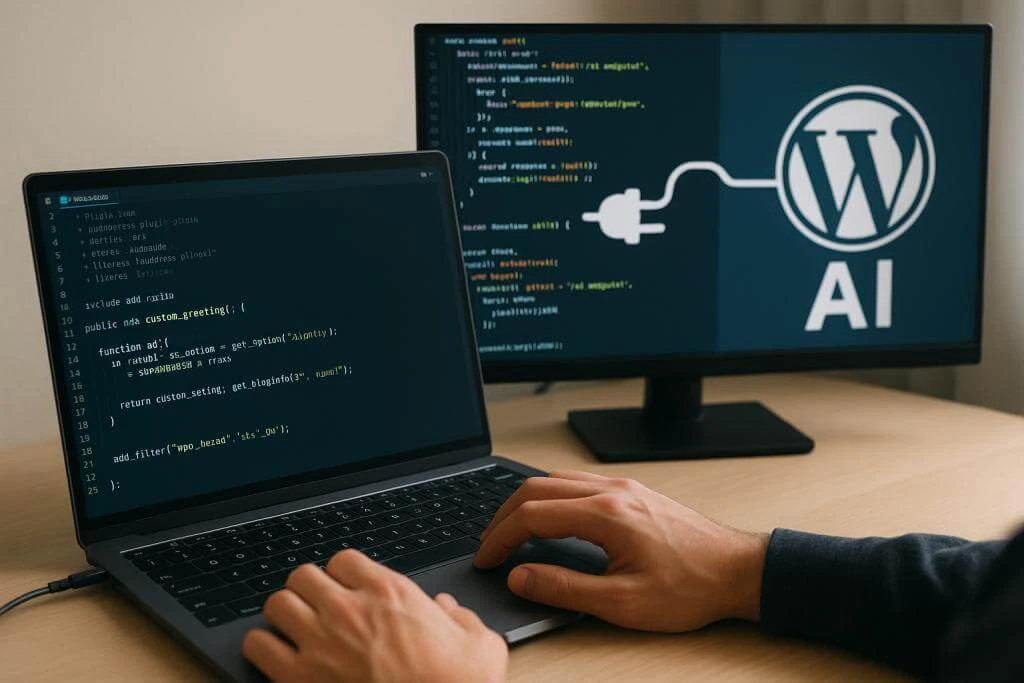
AI has already changed how we build WordPress sites, and the change is smaller and more practical than the headlines suggest. It speeds up the boring parts of development. It does not decide what to build, and it does not take responsibility when something breaks.
Here is what has actually changed in our day-to-day work, what has not, and what it means if you are planning a website.
Where AI actually helps developers
The biggest gain is time. Tasks that used to eat an afternoon, like tracking down an obscure bug or writing the tenth variation of the same PHP function, now take minutes.
In our WordPress work, AI is most useful for:
- Drafting first versions of PHP, CSS and JavaScript
- Explaining unfamiliar code in a project we inherited
- Suggesting causes for a bug before we dig in
- Working through third-party API integrations
- Writing documentation and code comments
The catch is that AI is confident even when it is wrong. It does not know your theme structure, your plugin conflicts or your client’s business rules. It will happily produce code that runs on a clean install and breaks on the live site.
So every line it writes gets reviewed and tested like code from a new junior developer. The speed is real. The responsibility stays with us.
Custom features are easier to start, harder to get right
WordPress has always been flexible, and AI makes it quicker to begin a custom build. When a client needs something no existing plugin does, we can sketch an approach and a code structure far faster than before. That helps with custom plugins, Elementor widgets, WooCommerce changes, custom post types, API integrations and admin dashboard improvements.
But a faster start is not a finished feature. The most common problems we see in AI-generated WordPress code are missing nonce checks, unsanitized input, unescaped output and queries that slow down as the site grows. None of these show up in a quick demo. All of them show up in a security audit or a traffic spike.
Knowing how WordPress works underneath is what lets you spot these issues. That is why we think experience matters more now, not less.
AI is also moving into WordPress itself
AI is no longer only something developers use next to WordPress. The WordPress community is building ways to connect AI directly to the platform. The AI Client and the Abilities API lay the groundwork for linking AI services to WordPress functionality, and there is ongoing work on connecting AI assistants to WordPress through the Model Context Protocol (MCP).
In practice, this could let an AI assistant do supported tasks inside a site, such as managing content or retrieving site information, instead of only giving advice from outside. What it can do will depend on permissions and which integrations are installed.
This is worth watching, but not worth over-promising. These features need compatible WordPress versions, extra plugins in some cases and a connection to an AI provider, so they will not work out of the box on every site. Check the current WordPress documentation for what is available in your version before planning around it.
A website is more than working code
A site can have clean, working code and still fail. It might load slowly on mobile, confuse visitors, rank poorly or collapse when traffic grows.
Before any development starts, someone has to understand the business, the customers and what the site must achieve. An online store, a corporate site and a platform with custom user dashboards need completely different approaches.
That planning covers:
- Speed and performance
- Mobile responsiveness
- Security and data protection
- Search engine optimization
- User experience
- Scalability and long-term maintenance
AI can help with the technical work inside each of these. It cannot decide which ones matter most for your business, and it cannot be held accountable for the result.
Will AI replace WordPress developers?
Not the ones who do more than type code. Developers who only produce repetitive code will feel the pressure, because that work is the easiest to automate. Developers who understand requirements, work with messy existing systems and stand behind the quality of what they ship are in a better position than before.
The skill that matters is knowing what to build, why to build it that way and how to confirm it works. AI speeds up the typing. It does not supply that judgment.
What businesses should expect
If you are planning a new site or improving an existing one, you should expect faster delivery of routine work and lower costs on repetitive tasks. You should not expect AI to replace planning, testing or long-term support.
When choosing a development partner, ask how they review AI-generated code, how they handle security and what support looks like after launch. A good partner builds around your business needs, not around whichever AI tool is popular this month.
Final thoughts
AI has made parts of WordPress development faster, and more is coming as it moves into the platform itself. What has not changed is what makes a website good: it has to be secure, fast, reliable and easy to use.
At CodexGlow, we use AI where it saves time and check its output the way we check everything else. The tool is new. The standard is the same.
Planning a WordPress project? See our WordPress and web development services or get in touch to talk it through.