
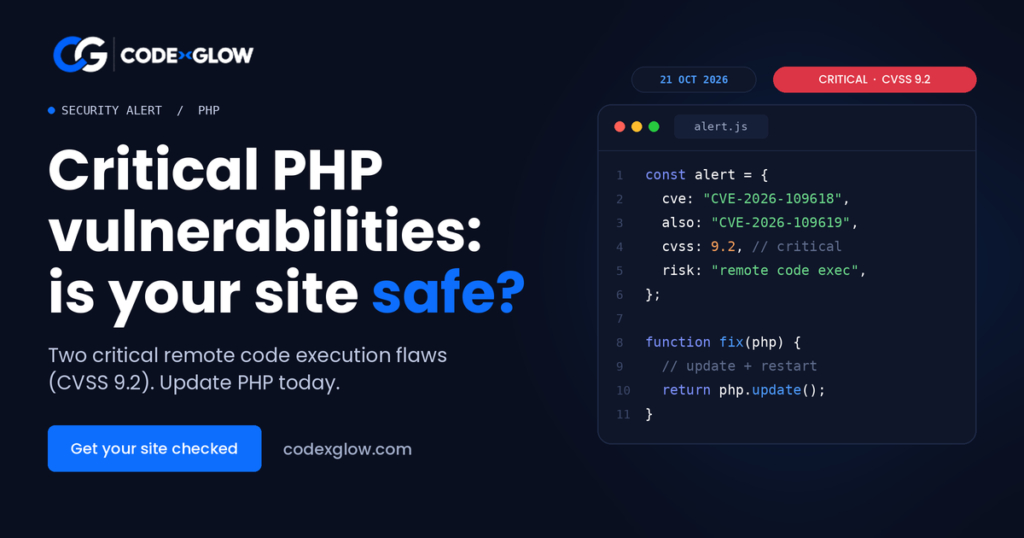
On October 21, 2026, the PHP team released an emergency security update for two critical vulnerabilities. Both are rated 9.2 on the CVSS v4.0 scale, and both can allow unauthenticated remote code execution (RCE). In plain terms, an attacker could run their own code on your server over the internet, without logging in.
If your website, online store or web app runs on PHP, this affects you. That includes WordPress, WooCommerce, Magento, Drupal, Joomla and Laravel.
What happened?
The PHP security team fixed two vulnerabilities, tracked as CVE-2026-109618 and CVE-2026-109619. According to PHP’s advisory, they affect PHP 8.5, 8.4, 8.3 and 8.2, as well as older unsupported versions. The risk covers common setups such as PHP-FPM, Apache with mod_php, php-cgi, FrankenPHP and LiteSpeed.
If an attacker exploits a flaw like this, it can lead to stolen customer data, a defaced website, malware injection or a full server takeover.
Which PHP version should you be on?
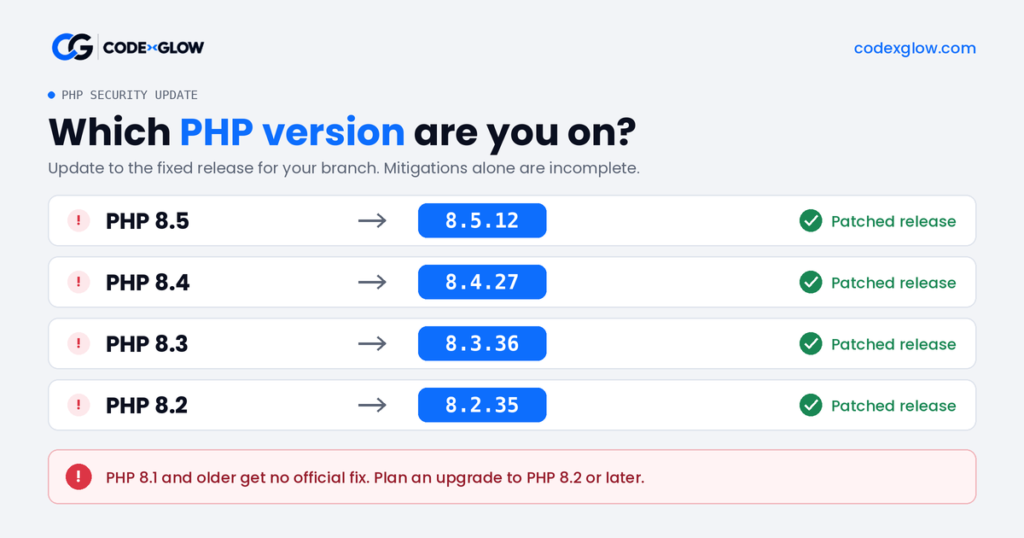
| Your PHP branch | Fixed release |
|---|---|
| PHP 8.5 | 8.5.12 |
| PHP 8.4 | 8.4.27 |
| PHP 8.3 | 8.3.36 |
| PHP 8.2 | 8.2.35 |
Running PHP 8.1 or older? These versions no longer receive official fixes. Some providers, such as cPanel’s EasyApache 4, have backported the patch to PHP 7.4, 8.0 and 8.1, but you should still plan to upgrade to PHP 8.2 or later.
Is your website affected?
It depends on where you host.
- Managed WordPress hosting or shared hosting: your provider usually applies the patch. Confirm with them that PHP is updated and restarted.
- VPS or dedicated server: you are responsible for updating PHP yourself.
- Not sure? Assume you are affected until you have confirmed the PHP version.
How to secure your site today
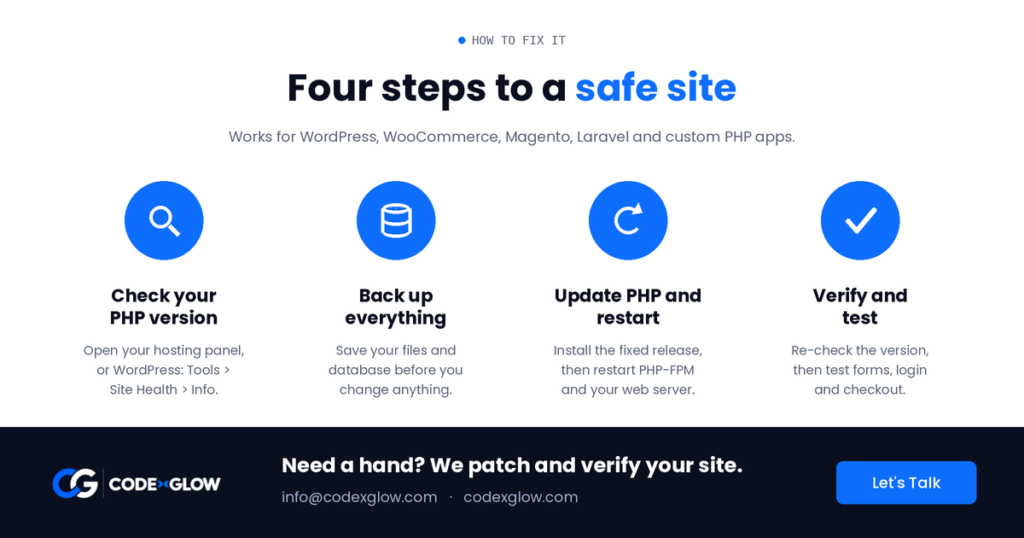
- Check your PHP version. Use your hosting control panel, or in WordPress go to Tools → Site Health → Info → Server.
- Back up your files and database before you change anything.
- Update PHP to the fixed release for your branch, then restart PHP-FPM and your web server so the update takes effect.
- Verify and test. Re-check the version, then test contact forms, login, plugins and checkout.
Can’t update right away? PHP has published temporary mitigations in its security announcement, but it describes them as incomplete. Some of them change settings such as file upload behaviour, so test your site after applying them. Updating is the only complete fix.
Why outdated PHP is a business risk
A critical flaw like this is the reason regular maintenance matters. Sites on unsupported PHP versions, outdated plugins or unmanaged servers are the first to be targeted. A single compromised site can mean lost sales, lost customer trust and search ranking drops.
Need help securing your website?
At CodeXGlow, we handle PHP updates, security checks, WordPress and WooCommerce maintenance, and safe migrations to supported PHP versions, so your site stays protected without downtime or broken plugins.
Contact us at info@codexglow.com or visit codexglow.com to get your site checked today.
Source: PHP’s official security release announcement (php.net), 21 October 2026.